Built for X's new 20-image feature
One Image. Twenty Pieces. One Epic Post.
Turn any image into a stunning 20-image X post in seconds. No Photoshop. No manual cropping. Just upload, split, and post.
Walkthrough
See how easy it is to cut 20 slices.
Watch the step-by-step screen recording: upload, choose 20 slices, download the ordered ZIP, and post to X in seconds.
The Splitter App
Drop one image. Take twenty with you.
Cuts happen in your browser with zero server uploads. The pieces stay in the exact numerical order X expects.
Ready to slice your panorama?
Open the dedicated tool to drop your file, pick 2 to 20 slices, preview how it looks in an X post, and download a ready-to-upload ZIP file in seconds.
100% Private
Slices rendered client-side on canvas. Zero server uploads.
Instant ZIP
Downloads sequentially numbered 01 through 20 ready for X.
Post Preview
Interactive simulation of X's composer and multi-image grid.
Preset Library
Curated 4K Wallpapers & Panoramas
Don't have an image ready? Choose from our curated library of 15+ cinematic sci-fi wallpapers, space panoramas, and digital art ready to split in one click.
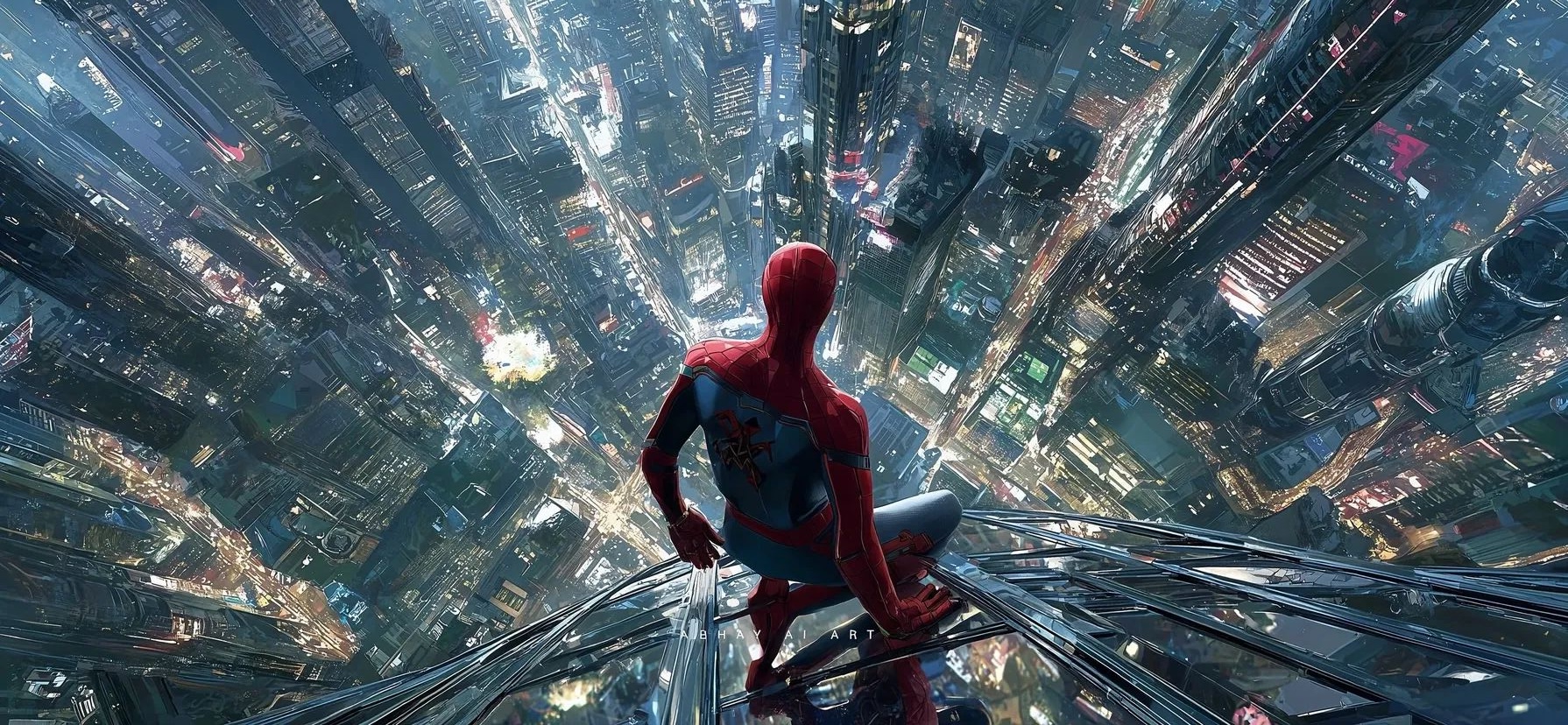
Spider-Man Over Cyberpunk Skyscraper

Interstellar: The Endurance at Gargantua

Sunrise Over Mars Craters & Orbital Horizon

Deep Sea Abyss & Bioluminescent Jellyfish
Real Posts on X
See how 20-image posts look on X.
Actual 20-slice posts published on X. Use the arrows to browse posts, and drag the comparison slider to see the seamless transition from full panorama to 20 slices.

had to try this trend with the mandatory Spider-Man image 🕷️
How it works
Three steps. Under a minute.
No account, no canvas to drag by hand, no export preset to remember.
- 01
Upload your image
Drop a PNG, JPG, or WebP. Wide panoramas work best. The original stays on your device.
- 02
Choose your split count
Start at 20 vertical slices, or pick any count from 2 to 20. Horizontal and grid cuts are there when you want them.
- 03
Download and post on X
Save a ZIP named in order from 01, then attach those files in the X composer. The caption can go with you.
FAQ
Before you post it.
The short version: it is free, private, and it will not post the images for you.